Listing photos that sell, with just your phone
You don’t need a lightbox or a fancy camera. A window, a plain background and these eight shots will make your listings look like you know what you’re doing.
 Rachel SimmonsReseller & Photographer
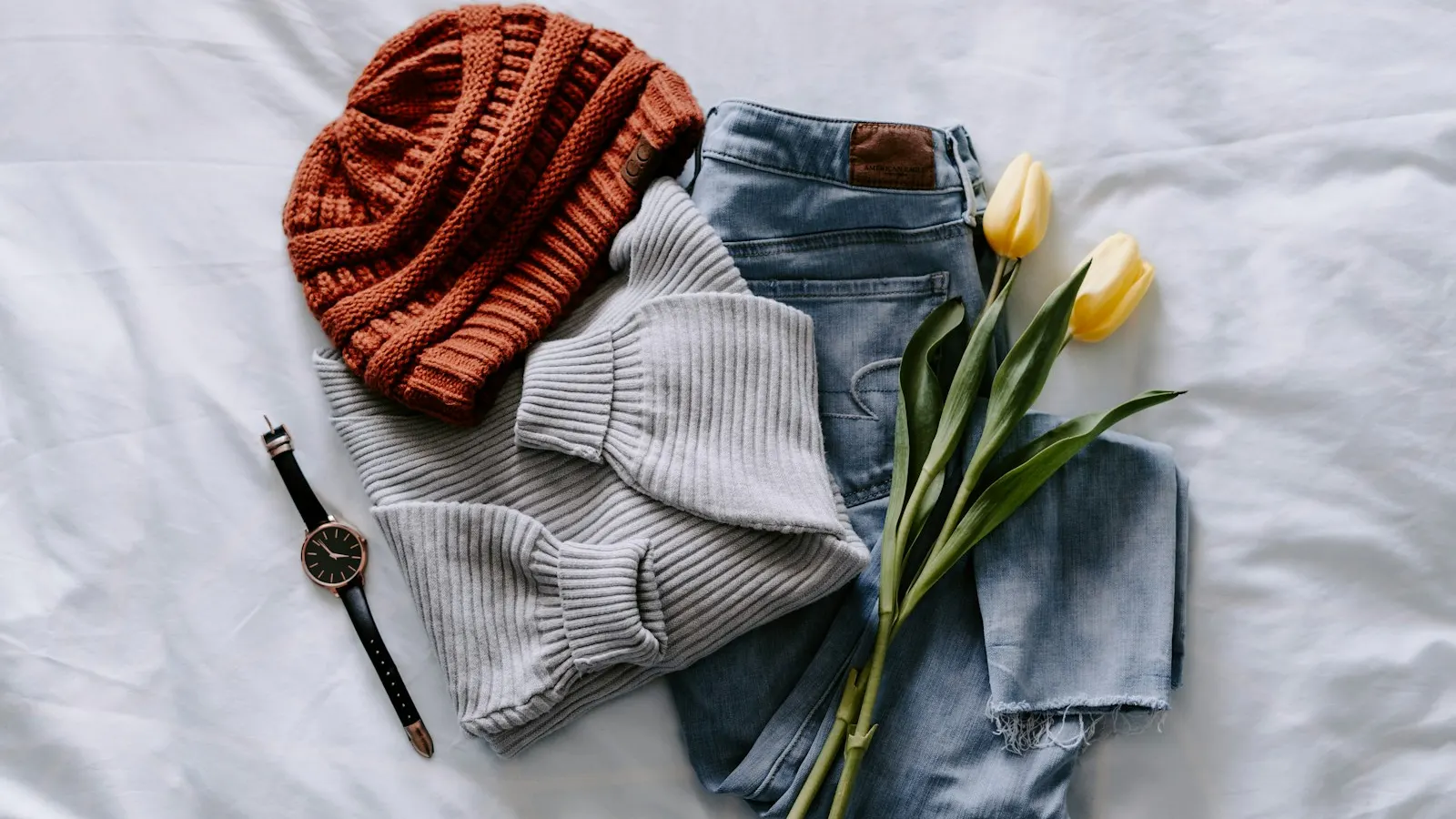
Buyers can’t pick your item up, turn it over or feel the fabric. Your photos have to do all of that for them. The good news is that the phone in your pocket is plenty. What makes the difference is light, background and taking the shots a buyer would want to see.
Light: find a window
Daylight from a window beats almost any lamp. Stand so the window is beside you or behind you, never behind the item, and shoot on a bright day but out of direct sun. Hard sunlight makes deep shadows and washes out color.
Turn your overhead lights off. Mixing warm bulbs with daylight gives you that yellow-on-one-side look that makes a white shirt look dingy.
If you shoot at night, two cheap daylight-colored LED panels on either side of the item will get you most of the way there. Same color bulbs only.
Background: plain and the same every time
A plain wall, a white foam board from the dollar store or a clean sheet all work. What matters is that nothing competes with the item. No bed, no pets, no laundry pile in the corner. Buyers notice.
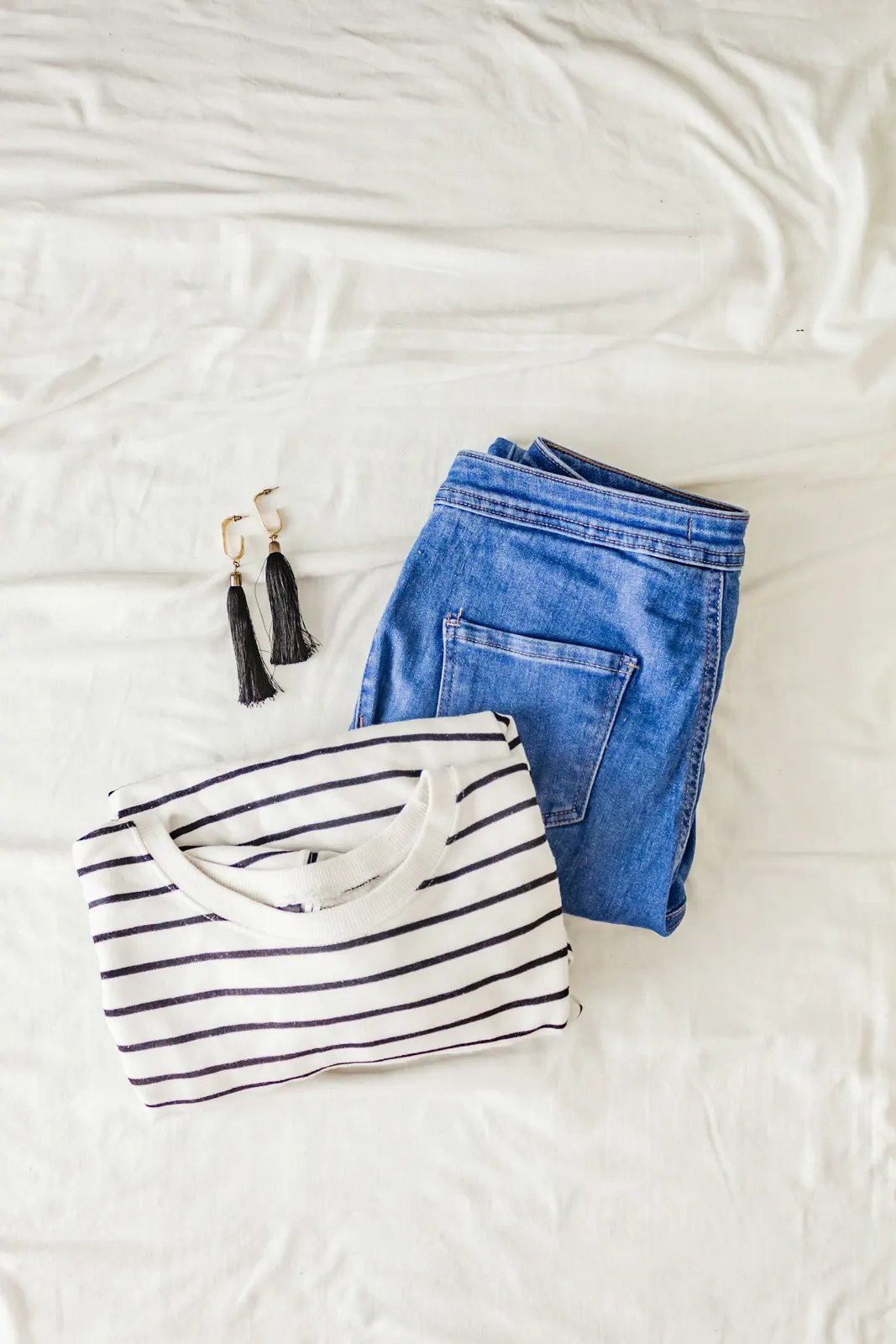
Using the same background for everything also makes your closet look like a shop, which quietly builds trust when someone browses your other listings.
When to break this rule
There can be nuance to this idea though. Sometimes you might want to stage an item to feel more curated and reflect a certain style for your shop, such as Modern, Western, Vintage or even Sporty. Also in an age that is so inundated with AI this can also give a personal, human touch to items that you spent time sourcing.
The eight shots
Not every item needs all eight, but this list covers what buyers ask about most.
- The cover. The whole item, straight on, centered, filling most of the frame. This is the one that earns the tap.
- The back. Same framing as the cover.
- The label or brand tag. Close enough to read.
- The size tag. Even if the size is in the title. People check.
- Material or care tag. Fabric content matters to a lot of buyers.
- A detail. Buttons, stitching, the texture of the knit, the hardware on a bag.
- Any flaw. A clear close-up, with your finger pointing at it if it’s small. Showing it up front saves you a return and a bad review.
- Measurements. A tape measure laid across the item (pit to pit, length, waist, inseam). One photo can answer three messages.
Make sure they’re big enough
Your phone takes photos far bigger than any store needs. The trouble starts when you crop a small piece out of a larger shot. On eBay, for example, photos have to be at least 500 pixels on the longest side, and eBay recommends 1,600 pixels so buyers can zoom in. If you frame the item well when you shoot, you won’t need to crop much, and you’ll stay well above both.
Square works everywhere
Most of the stores you’re likely to sell on show listings as square tiles in their feeds and search results. Shooting square from the start (or leaving plenty of room around the item) means nothing important gets cut off when a store crops your cover into a tile.
A quick routine that saves time
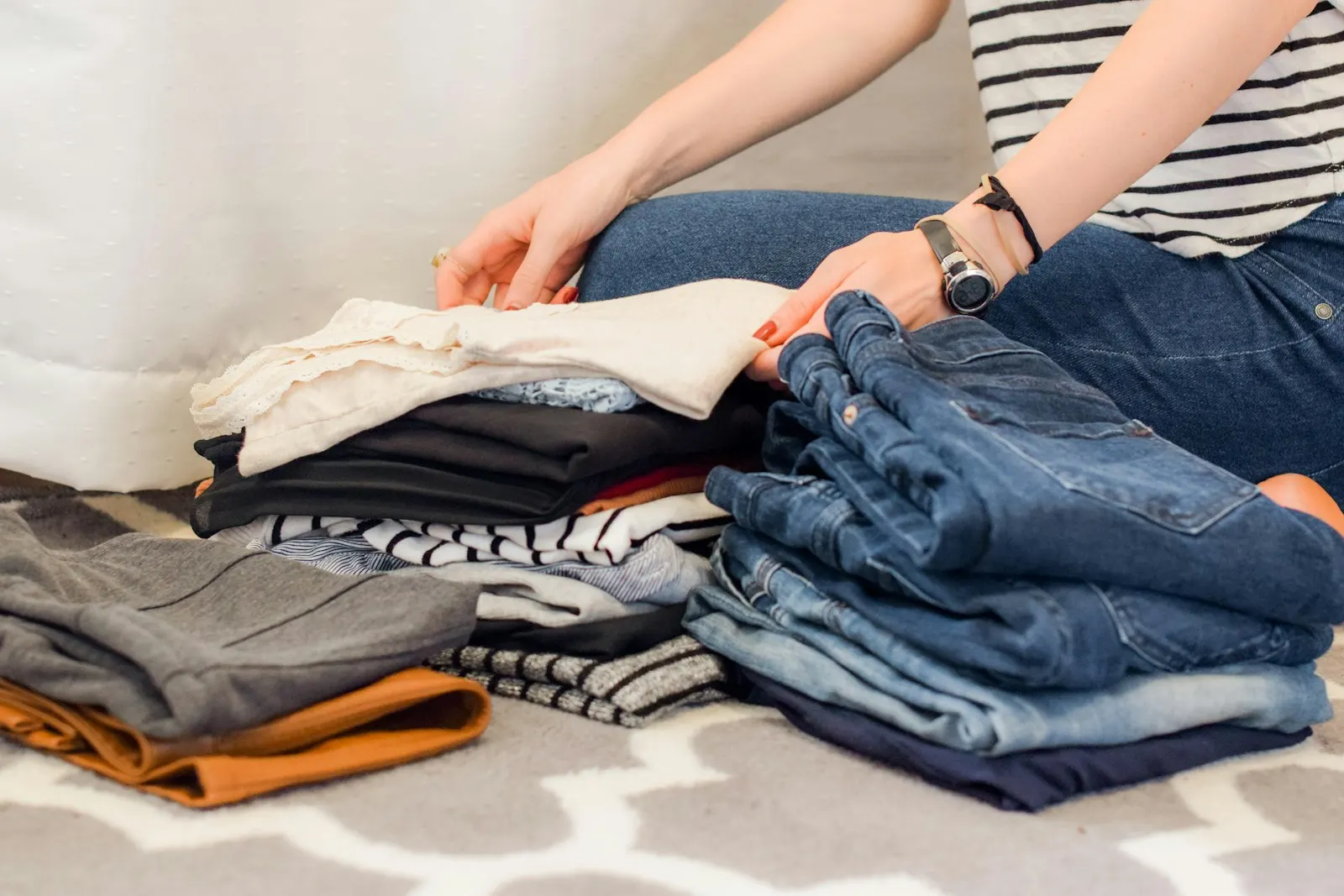
Photograph in batches. Set up the light and background once, then shoot ten or fifteen items in a row, cover first every time. It’s faster than setting up for each item, and your photos come out consistent without you thinking about it.
Where MagicListr comes in
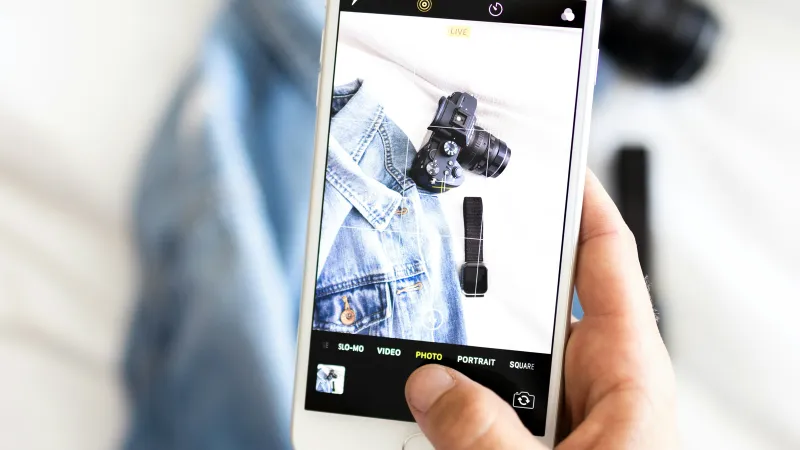
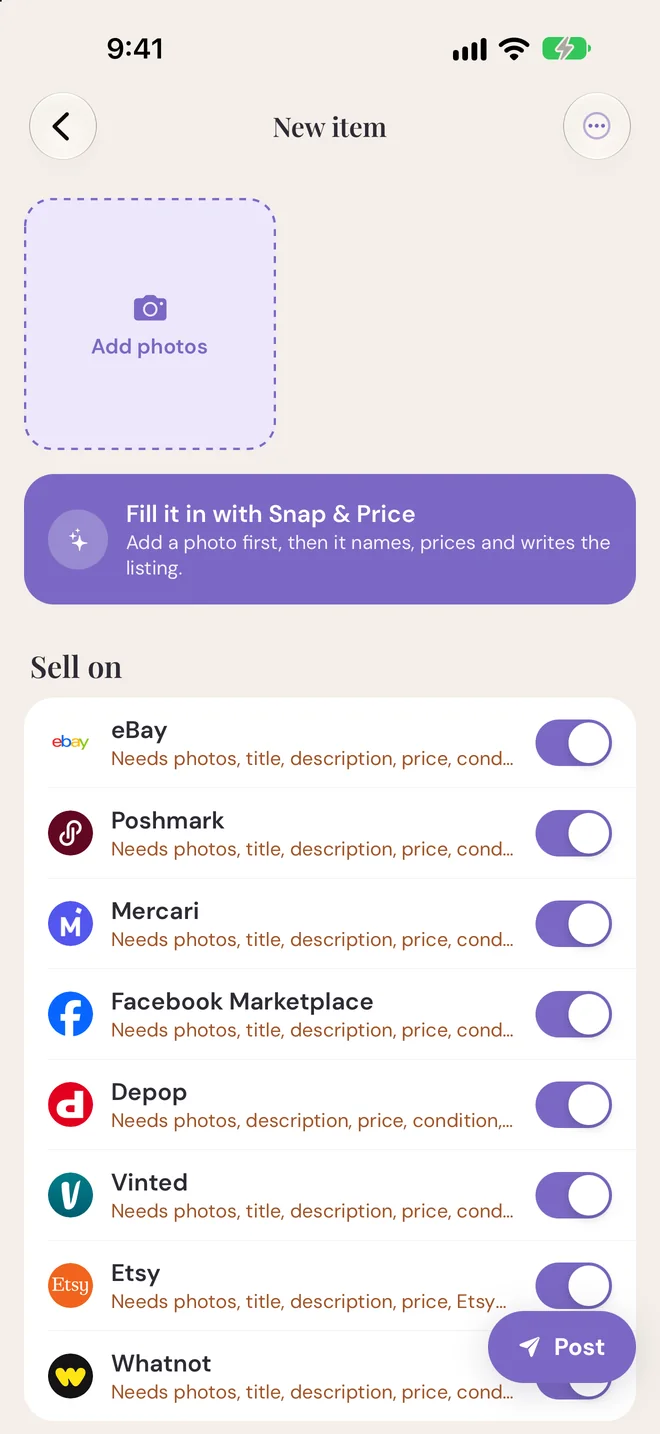
MagicListr’s camera has a square frame and a grid built in, so what you see in the frame is what you get in the photo. Snap & Price can take it from there: it reads the photos, suggests what the item is and what it’s worth from similar eBay listings, and writes the listing for you to check.
Keep all these ideas in mind and happy hunting for all those treasures. Enjoy the ease of listing and building your business with MagicListr.